 Download iOS app
 Download Android app
01
Scan your next grocery item
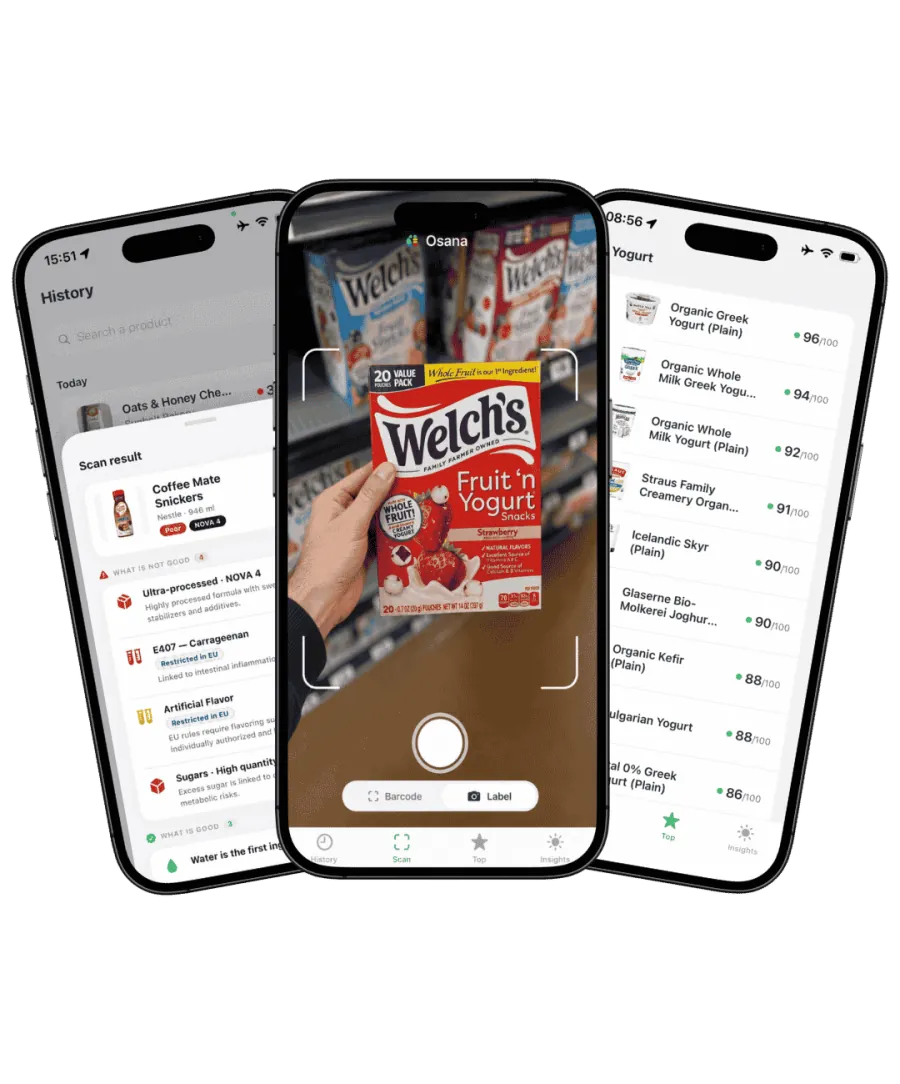
Open Osana and scan the barcode to bring up available product information. Check that the brand and product match the package in your hand.
For the people you shop for
School snacks, pantry staples, a new brand of cereal. When you shop with food allergies, the details matter. Osana Scan helps you review product ingredients, so you know what to check on the package before it reaches your cart.
Osana does not test food for allergens or guarantee that a product is safe for a particular allergy. Always check the physical package.
Your label-checking checklist
Open Osana and scan the barcode to bring up available product information. Check that the brand and product match the package in your hand.
Review the ingredient list for the foods you need to avoid. Product records can be incomplete, so a missing ingredient or warning is not an all-clear.
Read the current ingredient list and any allergen or advisory statements. If something is unclear, ask the manufacturer before deciding.

A familiar brand can change its recipe. Make these checks part of the grocery trip, even for something your household has bought before.
Start with the entire list, including ingredients inside parentheses. In the U.S., nine major allergens have specific labeling requirements: milk, eggs, fish, crustacean shellfish, tree nuts, peanuts, wheat, soybeans and sesame.
An allergen may be named in the ingredients or in a separate Contains statement. Read both when present; a separate statement does not replace the ingredient list.
May contain and shared-equipment statements address a different question from the recipe. An app cannot check the factory, and the absence of an advisory statement does not prove no cross-contact occurred.
Good to know before you choose
A product can have a high nutrition score and still contain a food you must avoid. Use Osana to understand the product, then make the allergy decision from the current label and the guidance you follow with your clinician.
FDA: Food allergies and label readingFor the full picture, see how Osana calculates food scores or explore the Osana food scanner app.
No app can guarantee that. Osana helps you review available ingredient information, but cannot detect undeclared allergens or manufacturing cross-contact. Follow your allergy care plan and verify the current packaging.
Read the full ingredient list for the particular food you avoid. The major-allergen list is not a complete list of foods that can cause reactions. Contact the manufacturer if the wording does not give you enough information.
Rechecking is useful, but the current package is essential: recipes, suppliers and production processes can change without the product looking very different on the shelf.
You can use Osana while comparing groceries for your household on iPhone or Android. Check each person's specific restrictions separately; a general health score does not establish suitability for everyone.
A closer look at the ingredients that matter to your household.
Osana Scan · Available on iPhone and Android
Get Osana Scan