 Download iOS app
 Download Android app
01
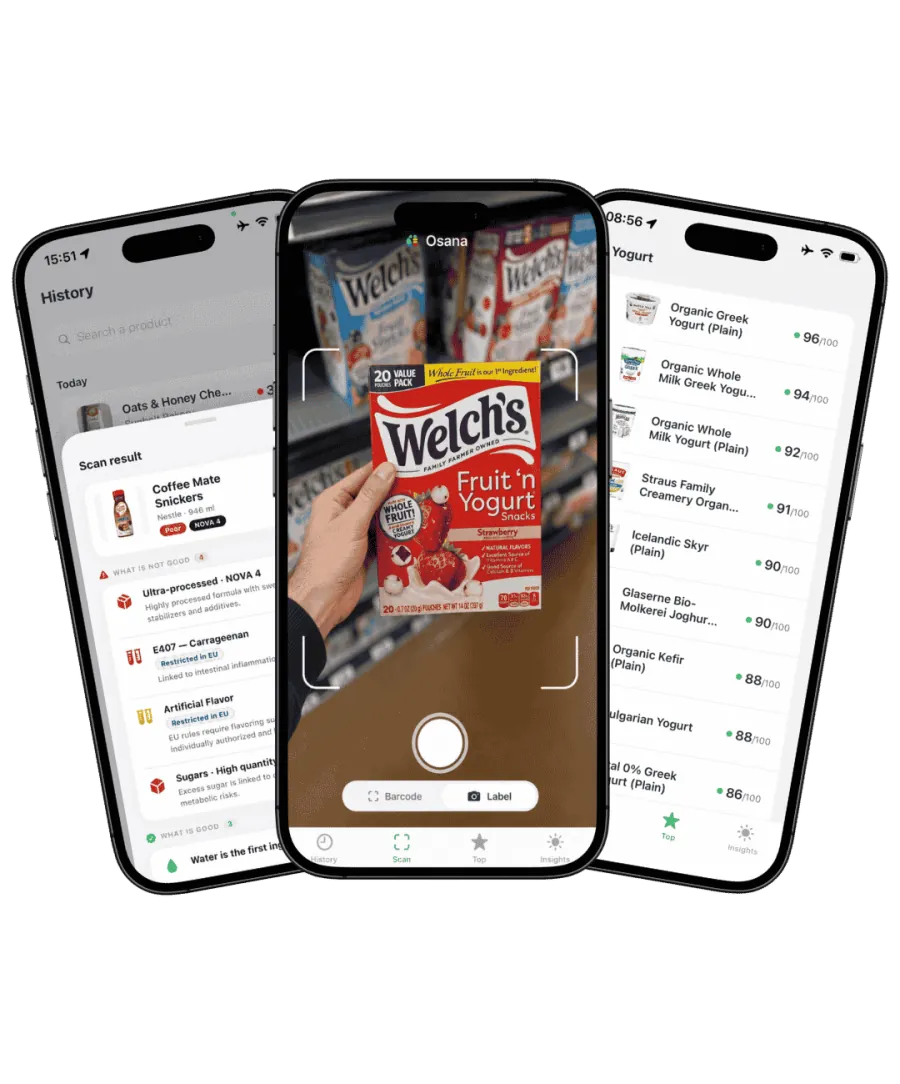
Scan a packaged food
Use the barcode to find available product information in Osana. Confirm that the item matches, then open its ingredient breakdown.
From unfamiliar names to informed choices
You recognize the product. The ingredient list is another story. Osana Scan turns a barcode scan into a closer look at ingredients, additives and processing, helping you compare the foods your family buys every week.
Results depend on the available product data and can be incomplete or outdated. Osana does not laboratory-test the item in your hand; verify details on the package.
Your label-checking checklist
Use the barcode to find available product information in Osana. Confirm that the item matches, then open its ingredient breakdown.
Review identified additives and the product's processing information alongside its ingredient list. Use the explanation to understand what sits behind the overall score.
Look at another product you would actually buy. Compare ingredients and nutrition together, so a shorter list or a single unfamiliar word does not make the whole decision.

Checking ingredients is most useful when it answers a practical question. Start with the cereal, bread or sauce already in your weekly basket.
Read the ingredients from the beginning. On U.S. packaged-food labels, they are generally listed in descending order by weight. This helps put a front-of-pack ingredient claim in context.
Additives can serve different purposes, such as preserving food, adjusting texture or adding color. An unfamiliar name alone does not establish that an ingredient is harmful. Read the explanation and consider the product as a whole.
Compare foods that serve the same purpose. Check the ingredient breakdown alongside serving size, sugar, sodium and fiber rather than selecting a product on one isolated detail.
Good to know before you choose
Osana's score offers an overview; the breakdown helps explain it. This page focuses on reading the recipe. For the calculation behind the number, explore our scoring methodology, including how nutrition, additives and processing contribute.
FDA: Understanding food ingredientsFor the full picture, see how Osana calculates food scores or explore the Osana food scanner app.
Osana uses a barcode to look up product information and presents ingredient, additive and processing details when available. The scan identifies the product; it does not chemically analyze the food.
Not by itself. What the ingredients are, the nutritional profile and how the food fits your diet all matter. Compare similar products and use the breakdown rather than counting words.
A label or barcode scan cannot measure undeclared contaminants in a particular item. That requires appropriate testing. Do not interpret a product lookup as a laboratory result.
This page is about packaged food and grocery labels. Use Osana's food ingredient information to understand what you eat; it is not a skincare analysis tool.
A closer look at the ingredients that matter to your household.