Best app to identify ultra-processed foods: 4 scanners compared
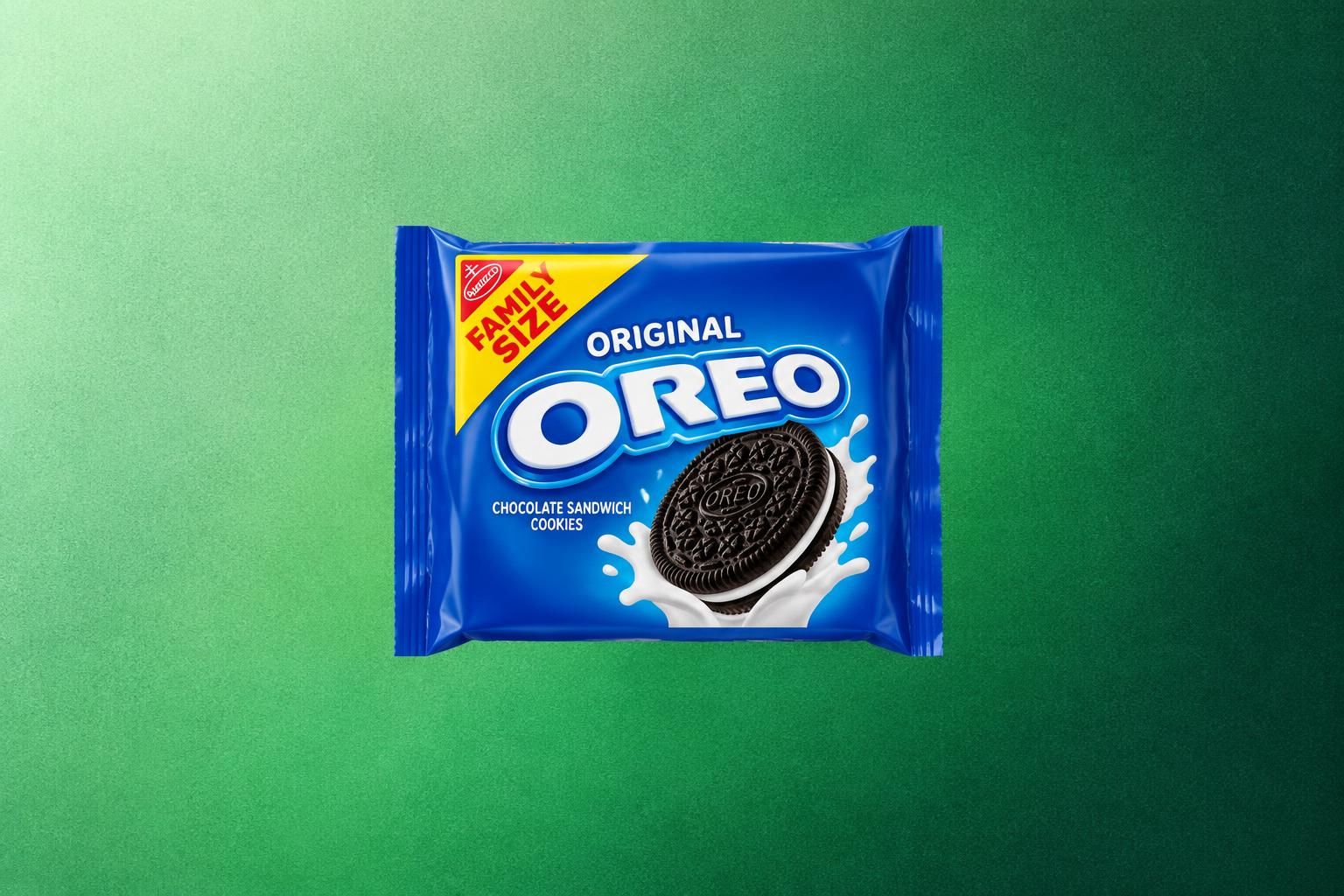
The best app to identify ultra-processed foods shows a product's processing level as its own result, not folded into a single health score. Open Food Facts does this for free with the NOVA group from 1 to 4. Ivy is built around processed-food warnings but sits behind a paid tier. Yuka and Exposr flag additives well, yet neither gives you a processing level. Below, you will see what each app shows, where each one falls short, and how to check processing yourself.

Find the controversial ingredients already in your kitchen.
Scan packaged foods at home, understand ingredients, and find healthier alternatives in seconds.




 Scan with Osana
Why a processing check matters in a US grocery cart
Most of what Americans eat is ultra-processed, so a scanner that only rates nutrition misses the biggest pattern in the cart. Ultra-processed foods made up 55.0% of calories for people aged 1 and older between August 2021 and August 2023 (CDC, NCHS Data Brief 536). The highest shares were among school-age children.
For a parent scanning snacks, cereal or bread, the real question is often "how far is this from real food?" That is different from "is this high in sugar?", and only some apps answer it.
What "ultra-processed" means to a scanner app
Apps that show processing usually rely on NOVA, which sorts foods into four groups by how they are made. It was developed by researchers at the University of São Paulo and it is widely used in research on ultra-processed foods (Monteiro et al., Public Health Nutrition, 2019). For the full explanation, see our guide to the NOVA food classification.
The catch for app users: a product can score well on nutrition and still sit in group 4. A protein bar built on isolates and added fibers can look fine on sugar and fat. That is why protein bars are often ultra-processed even when the macros look clean.
Ultra-processed food scanner apps compared
Of these four apps, only Open Food Facts lists a NOVA group in its official description, and it is free. Here is what each app's official listing says a scan shows.
| App | Shows processing level | What it flags | Platforms | Price |
|---|---|---|---|---|
| Open Food Facts | Yes, NOVA group 1 to 4 | Nutri-Score, allergens, additives with little explanation | iPhone, Android | Free, nonprofit |
| Ivy | Processed-food warnings | Additives, seed oils, pesticides, heavy metals, microplastics | iPhone (no official Android listing found) | Paid PRO tier, free trial |
| Yuka | No separate result | Additives by risk level, nutrition, organic | iPhone, Android | Free, paid Premium |
| Exposr | No separate result | Additives, seed oils, artificial ingredients | iPhone (no official Android listing found) | Subscription for full use |
The 4 apps worth a closer look
Open Food Facts is the pick when processing level is your main question. Ivy, Yuka and Exposr each add warnings it does not give, so the right choice depends on what you want flagged.
Open Food Facts
Best free option with NOVA groups- Processing
- NOVA 1 to 4
- Platforms
- iPhone, Android
- Price
- Free
- Data
- Crowd-sourced
Open Food Facts is a free, nonprofit, open database. A scan shows the product's NOVA group next to its Nutri-Score and allergens. You see processing and nutrition side by side.
Watch out: contributors add the data, so some US products are missing or incomplete, and additives come with little explanation.
Ivy: Processed Food Scanner
Best for processed-food warnings- Focus
- Processed food
- Platforms
- iPhone
- Price
- Paid PRO
- Extras
- Intolerances
Ivy is built around processed food. Its App Store listing describes more than 3 million products with information on seed oils, additives, pesticides, heavy metals and microplastics. It also alerts you to intolerances you set.
Watch out: the full app sits behind a paid PRO tier with a free trial, and we found no official Google Play listing as of October 2026.
Yuka
Best for additive warnings- Processing
- Not shown
- Platforms
- iPhone, Android
- Price
- Free, Premium
- Score
- 0 to 100
Yuka's score is built from 60% nutrition, 30% additives and 10% organic status. A high-risk additive caps a product at 49 out of 100. That makes it strong on additives, but it does not classify processing, as we explain in does Yuka detect ultra-processed foods.
Watch out: a green Yuka score can still belong to a NOVA group 4 product.
Exposr
Best for seed oils and artificial ingredients- Processing
- Not shown
- Platforms
- iPhone
- Price
- Subscription
- Flags
- Seed oils
Exposr scores packaged foods on additives, seed oils and artificial ingredients and suggests swaps while you shop. Many of those flags are common in ultra-processed products, so it still points you in the right direction.
Watch out: unlimited scans need a subscription, and we found no Android version as of October 2026. Our Exposr alternatives guide covers the Android options.
Processing-first apps
- Answer "how processed is this?"
- Catch group 4 foods with good macros
- Best for cutting back on ultra-processed food
Score-first apps
- Answer "is this a good choice overall?"
- Strong on sugar, fat and additives
- Can rate an ultra-processed food well
How to check processing yourself in 30 seconds
When an app has no data for a product, the ingredient list still tells you most of what you need. Ingredients are listed by weight, and ultra-processed foods tend to contain ingredients you would not find in a home kitchen. Our guide on how to read food ingredient labels goes deeper.
- Count the ingredients
A short list of foods you recognize usually means group 1 to 3. A long list is a reason to read closer.
- Look for industrial ingredients
Isolates, modified starches, maltodextrin and hydrogenated oils are typical group 4 markers.
- Check for cosmetic additives
Emulsifiers, flavors, colors and sweeteners are added for texture, taste or look, not nutrition.
- Compare two products
Pick the one with the shorter, simpler list in the same category, even if the front of the box says the same thing.
Look for
- Whole foods as the first ingredients
- Short lists you could cook with
- Plain versions (plain yogurt, plain oats)
Read closer
- Protein isolates and added fibers
- "Natural flavors" and synthetic colors
- Emulsifiers such as polysorbate 80
Keep perspective: NOVA describes how a food is made, not whether one product will harm you. Use it to shift the balance of your cart over time, and see our ultra-processed foods list for the categories that add up fastest.
Frequently asked questions
Is there a free app that tells you if food is ultra-processed?
Yes. Open Food Facts shows the NOVA group for products in its database at no cost, on iPhone and Android. Its data comes from contributors, so some US products are missing.
Does Yuka tell you if a food is ultra-processed?
Not directly. Yuka's score combines nutrition, additives and organic status, and it does not show a NOVA group. It flags many additives that are common in ultra-processed foods, but a good score is not proof of minimal processing.
Are scanner apps accurate about processing?
They are as accurate as their product data. A wrong or outdated ingredient list gives a wrong result, so check the label on the package when a result surprises you. For a wider look at the category, see our best food scanner app comparison.
Conclusion
If your goal is to eat fewer ultra-processed foods, choose an app that shows processing as its own result. Open Food Facts gives you NOVA groups for free. Ivy focuses on processed-food warnings for a fee. Yuka and Exposr are better at flagging additives than at measuring processing. Whatever you use, the ingredient list remains the final word. Comparing two products in the same aisle is the habit that changes your cart the most.
If you want one app that rates each additive and shows the NOVA processing level separately, on iPhone and Android, try Osana on your next grocery run.
Sources
- CDC, National Center for Health Statistics, "Ultra-processed Food Consumption in Youth and Adults: United States, August 2021 to August 2023," Data Brief 536, August 2025.
- Monteiro CA et al., "Ultra-processed foods: what they are and how to identify them," Public Health Nutrition, 2019.
- Open Food Facts, accessed October 2026.
- Ivy: Processed Food Scanner, App Store listing, accessed October 2026.
- Yuka help center, how the food score works, accessed October 2026.
- Exposr: Food Product Scanner, App Store listing, accessed October 2026.